BitcoinOX Samsung Pay Is Now Available for Eligible Cards
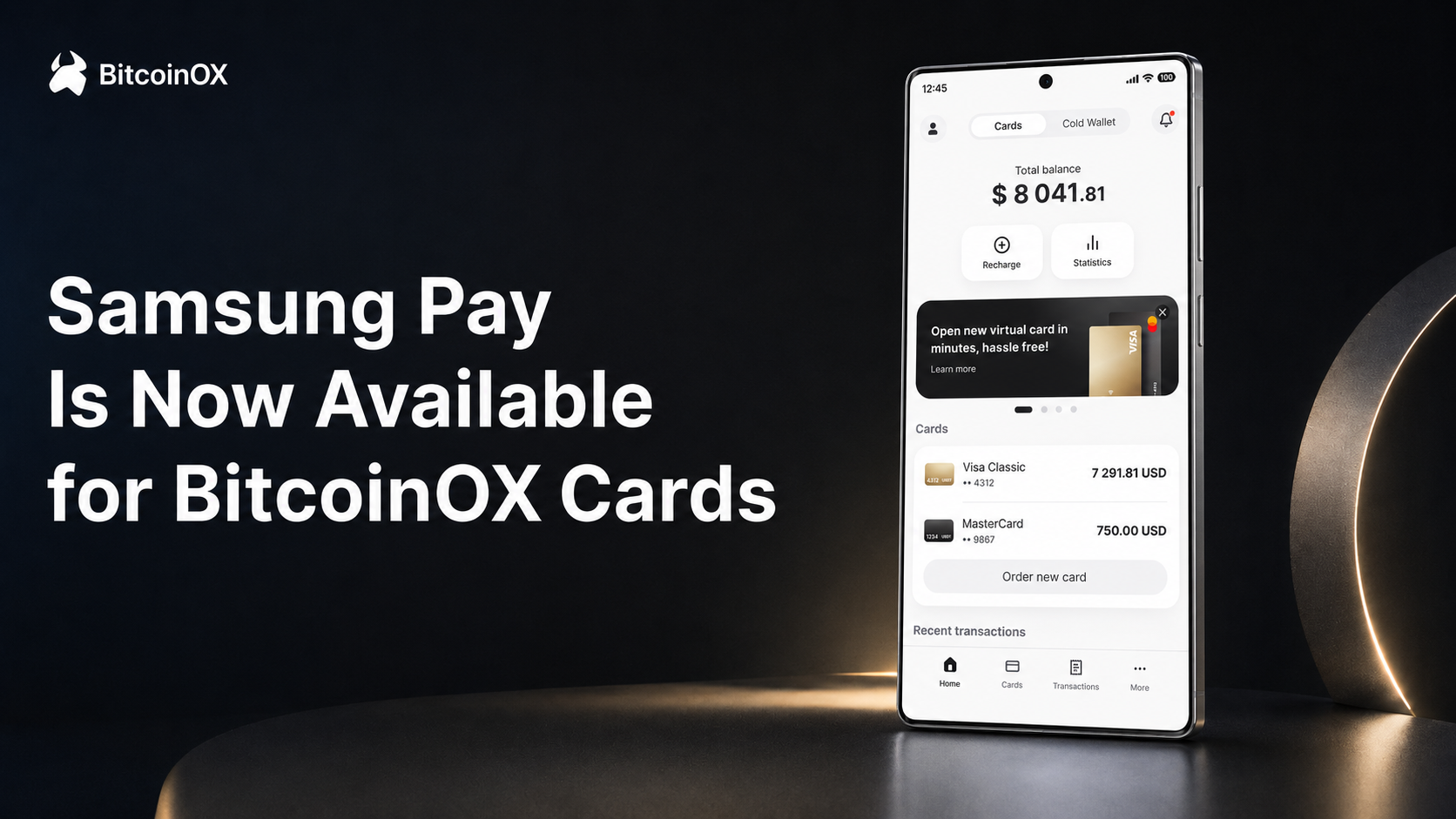
BitcoinOX Samsung Pay support is now live for eligible cards. This update gives users a faster way to add their BitcoinOX card to Samsung Wallet and make contactless payments with a supported Samsung device.
For BitcoinOX users, this is another step toward making crypto-backed spending easier in everyday situations. Instead of relying only on manual card details or a physical card, eligible users can now use a familiar mobile tap-to-pay experience where supported.
The feature is designed for practical payment scenarios: travel, online services, in-store purchases, and daily spending with a card funded through supported digital assets.
Start Using Your BitcoinOX Card
Create your account, complete verification, issue an eligible card, and add it to Samsung Wallet where supported.
Get StartedBitcoinOX Samsung Pay: What’s New?
The new mobile wallet support gives BitcoinOX users another convenient way to use their card without depending only on physical card payments or manual card entry. Once an eligible card is added to Samsung Wallet, users can pay with a supported Samsung phone or watch at compatible contactless terminals.
In simple terms, BitcoinOX is making card-based spending feel closer to the way people already pay every day: confirm, tap, and go.
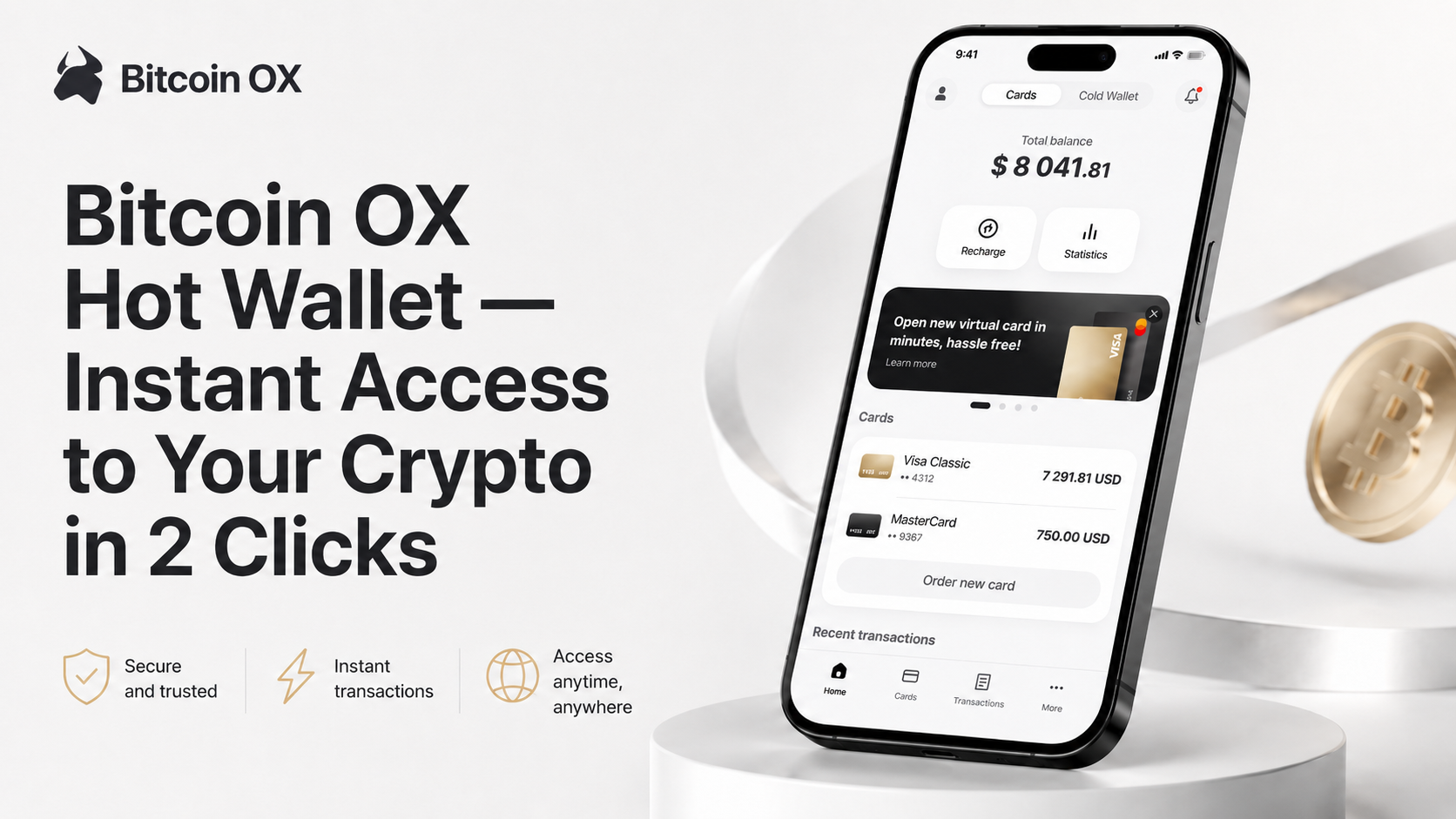
This matters because many crypto users want a cleaner bridge between digital assets and real-world purchases. BitcoinOX Neo helps connect supported crypto assets, wallet access, card top-ups, and global card-based payments in one product experience.
Why This Update Matters for BitcoinOX Users
1. Faster everyday payments
Mobile wallet payments are built for speed. For BitcoinOX cardholders, this helps reduce friction at checkout. You do not need to search for card details, copy numbers, or carry an additional card in every situation.
When the card is added to Samsung Wallet, eligible users can make payments with a familiar tap-to-pay flow where this payment method is supported.
2. A smoother bridge between crypto and card spending
Many users do not want digital assets to stay locked inside exchanges or separate wallets forever. They want practical access to value when it is needed.
BitcoinOX cards are designed for this use case. Users can top up supported balances with digital assets and use card-based payments through traditional payment infrastructure where accepted.
3. More flexibility for travel and daily life
Travelers, remote workers, freelancers, and international users often need payment tools that can fit different situations. A mobile-first payment option can be useful when paying abroad, buying digital services, or using contactless terminals in supported locations.
This update makes BitcoinOX cards more practical for people who already prefer paying from a smartphone or wearable device.
4. Less dependence on a physical card
Physical cards are still useful, but they are not always the fastest option. With Samsung Wallet support, eligible BitcoinOX cardholders get another way to pay without reaching for a plastic card.
This can be especially helpful in quick checkout moments, travel situations, or when users want to keep payment tools consolidated on one device.
5. A more familiar way to use crypto-backed value
For wider adoption, crypto products need to feel less complicated. Card payments and mobile wallets are already familiar to many users. By connecting BitcoinOX cards with a mobile tap-to-pay experience, the product becomes easier to understand and easier to use in real life.
How to Add a BitcoinOX Card to Samsung Wallet
The exact setup process may vary depending on your country, card type, device, and account verification status, but the general flow is simple:
- Create or log in to your BitcoinOX Neo account.
- Complete the required verification steps. Card availability and limits may depend on your KYC level and region.
- Issue an eligible BitcoinOX card. Choose the card option that fits your payment needs.
- Top up your card balance with supported digital assets.
- Open Samsung Wallet on your supported Samsung device.
- Add your BitcoinOX card. Follow the on-screen instructions and complete any required card verification.
- Use the card where contactless payments are accepted.
For general information about availability, device compatibility, and contactless payment support, you can also visit the official Samsung Pay page. Samsung also provides a helpful guide on how to add payment cards to Samsung Wallet.
Important: availability may depend on your device, country, card type, card issuer, payment network, and Samsung Wallet support in your region. Always check the latest status inside your BitcoinOX account and Samsung Wallet before relying on a specific payment method.
A Better Payment Experience for Crypto-Backed Cards
BitcoinOX Neo is built around a clear idea: crypto should be easier to store, manage, and use. The platform brings together wallet functionality, supported digital assets, card tools, and practical payment options in one mobile-first experience.
The new contactless payment update strengthens the card side of the product. It gives eligible users another way to bring their BitcoinOX card into everyday checkout moments without changing the core value of the platform.
For many users, this is where digital assets become more useful. Not just stored. Not just transferred. Not just viewed as a balance. But available through a payment method people already understand.
Who Can Benefit from This Feature?
This update can be especially useful for:
- Travelers who want flexible payment options abroad.
- Digital nomads who manage payments across different countries.
- Freelancers and remote workers who receive or hold supported digital assets.
- Web3 users who want practical access to value outside crypto-native platforms.
- Everyday card users who prefer mobile contactless payments.
- Business users who need smoother card-based spending for digital tools, travel, or online services where supported.
Security and Control Still Come First
Convenience should not come at the cost of control. BitcoinOX Neo is designed around asset management, wallet access, and card-based spending. Users should still follow standard security practices: protect account access, keep recovery details private, review transaction information, and only add payment cards to trusted devices.
Samsung Wallet also adds a familiar device-based payment layer, including authentication before payment. Together, BitcoinOX cards and mobile wallet support create a more convenient experience while keeping users mindful of safe account and device management.
What This Means for the Future of BitcoinOX Payments
This release is part of a broader direction for BitcoinOX: making crypto-backed payments more practical, more mobile, and easier to use in real-world scenarios.
Card products are no longer only about online purchases or backup payment methods. With mobile wallet support, they can become part of a daily payment routine. That matters for users who want digital assets to be useful beyond exchanges, charts, and wallet balances.
With BitcoinOX Neo, users can manage supported assets, access card tools, and use eligible cards through Samsung Wallet where available — creating a smoother path from crypto balance to everyday spending.
Get Started with BitcoinOX Neo
Issue an eligible BitcoinOX card, add it to Samsung Wallet where supported, and make crypto-backed payments part of your everyday routine.
Get StartedFAQ
Does BitcoinOX support Samsung Wallet payments?
Yes. Eligible BitcoinOX cards can now be added to Samsung Wallet where supported. Availability may depend on card type, region, device compatibility, card issuer rules, and account verification status.
Can I add my BitcoinOX card to Samsung Wallet?
Eligible cards can be added through Samsung Wallet on supported Samsung devices. Open the app, choose the option to add a payment card, enter or scan your card details, and complete any required verification steps.
Can I use this feature to spend crypto directly?
The payment is made through your BitcoinOX card. BitcoinOX helps users top up supported card balances with digital assets, while the card transaction is processed through traditional card payment infrastructure where accepted.
Where can I use my BitcoinOX card from Samsung Wallet?
You can use an eligible card at compatible merchants where contactless card payments are accepted. Support may also vary for apps and websites that display Samsung Wallet or related mobile payment options.
Why can’t I add my card?
If you cannot add your card, check whether your card is eligible, your Samsung device is supported, your region is available, and your BitcoinOX account verification is complete. Card issuer rules and payment network requirements may also affect availability.